Silence means you're okay.
Set a schedule, tap once to check in, and if you miss it your trusted contacts get the context they need to act.
No constant alerts. No surveillance. You choose who gets notified.

How it works
Three simple steps to peace of mind. No complicated setup required.
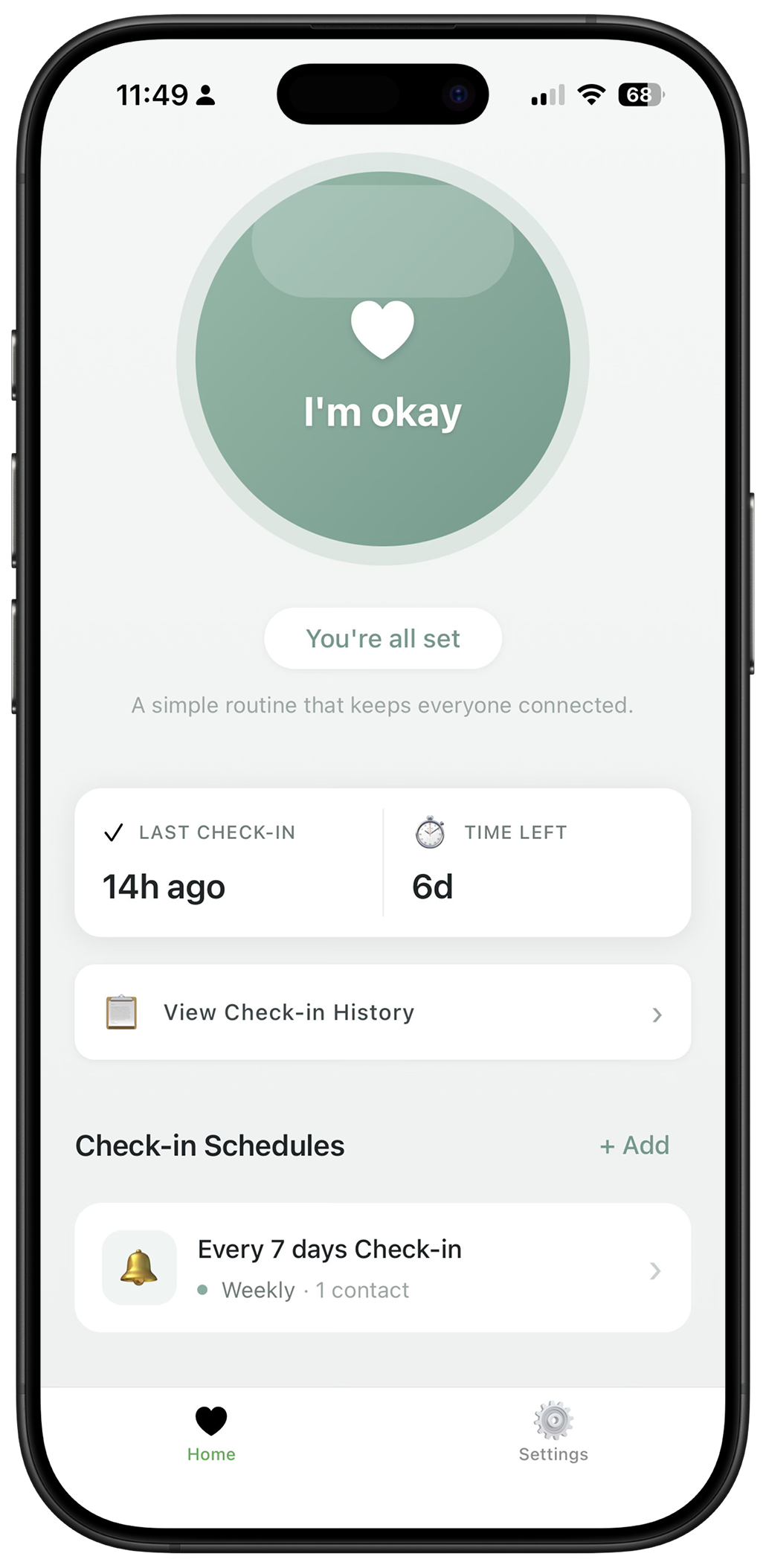
Set a schedule
Choose how often you want to check in — daily, every few days, or weekly. Pick a time that fits your routine.
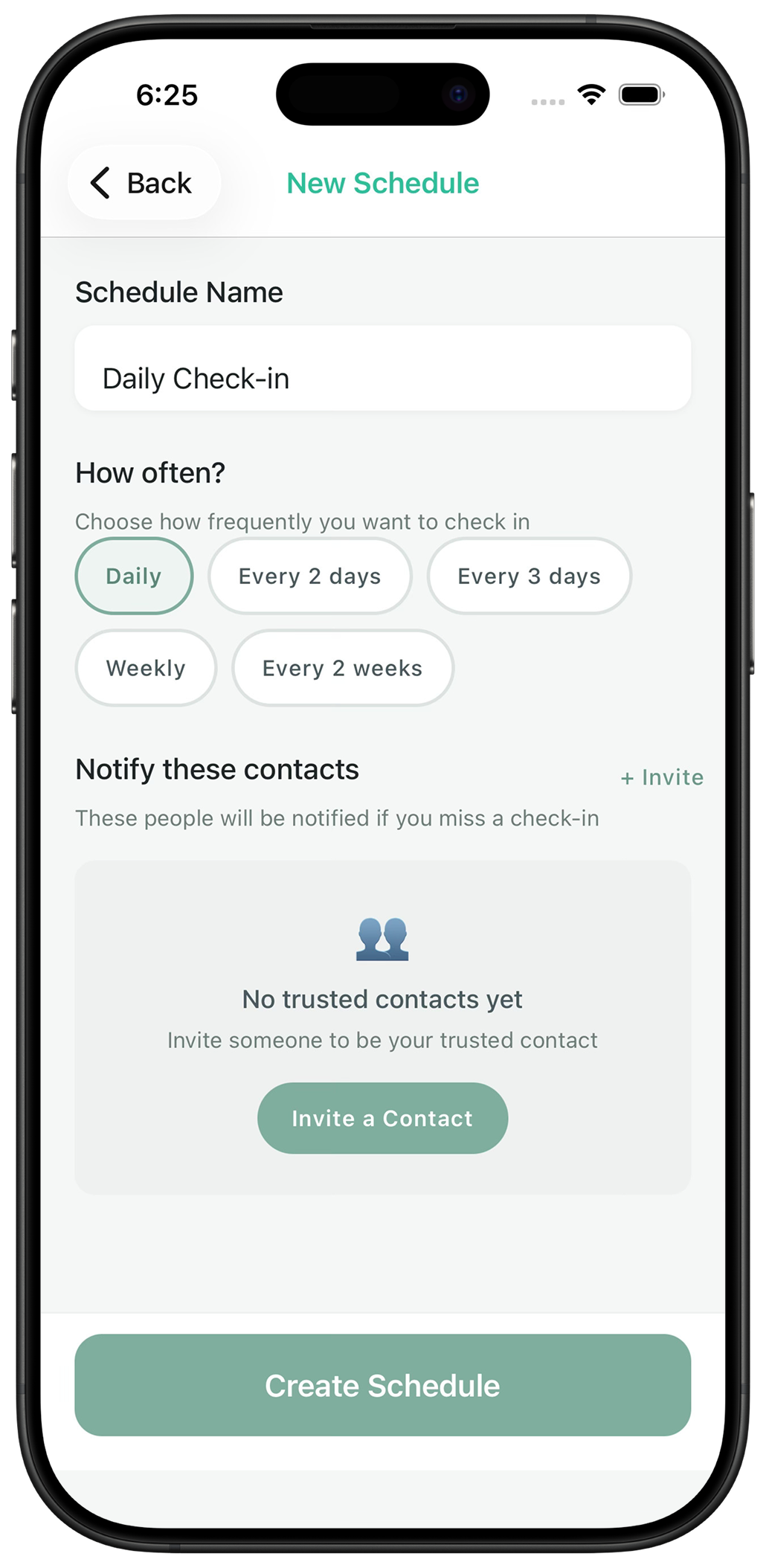
Tap to check in
One tap confirms you're okay. Use the iOS widget to check in from your Home Screen — no need to open the app.
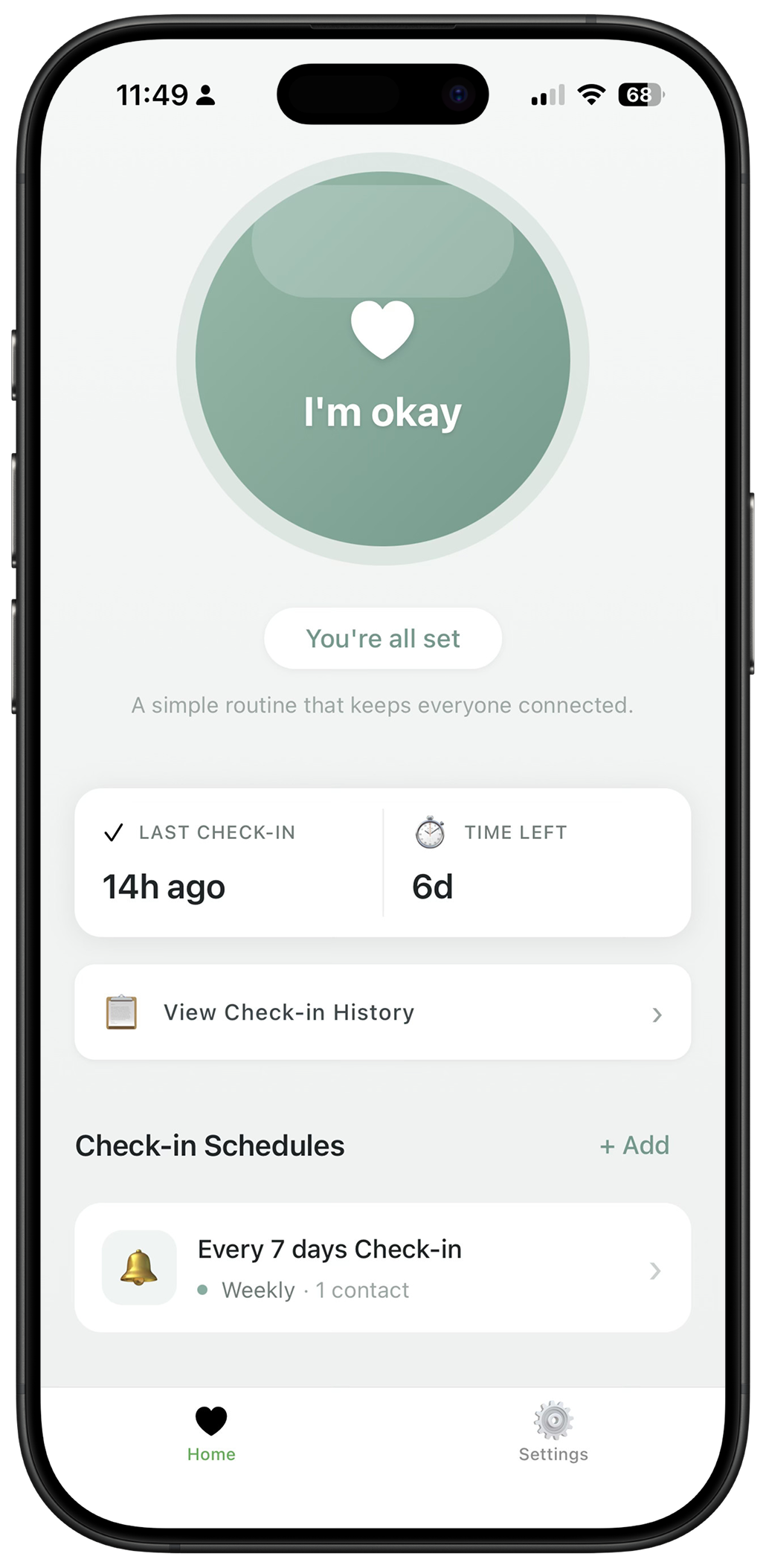
If you miss it, we notify
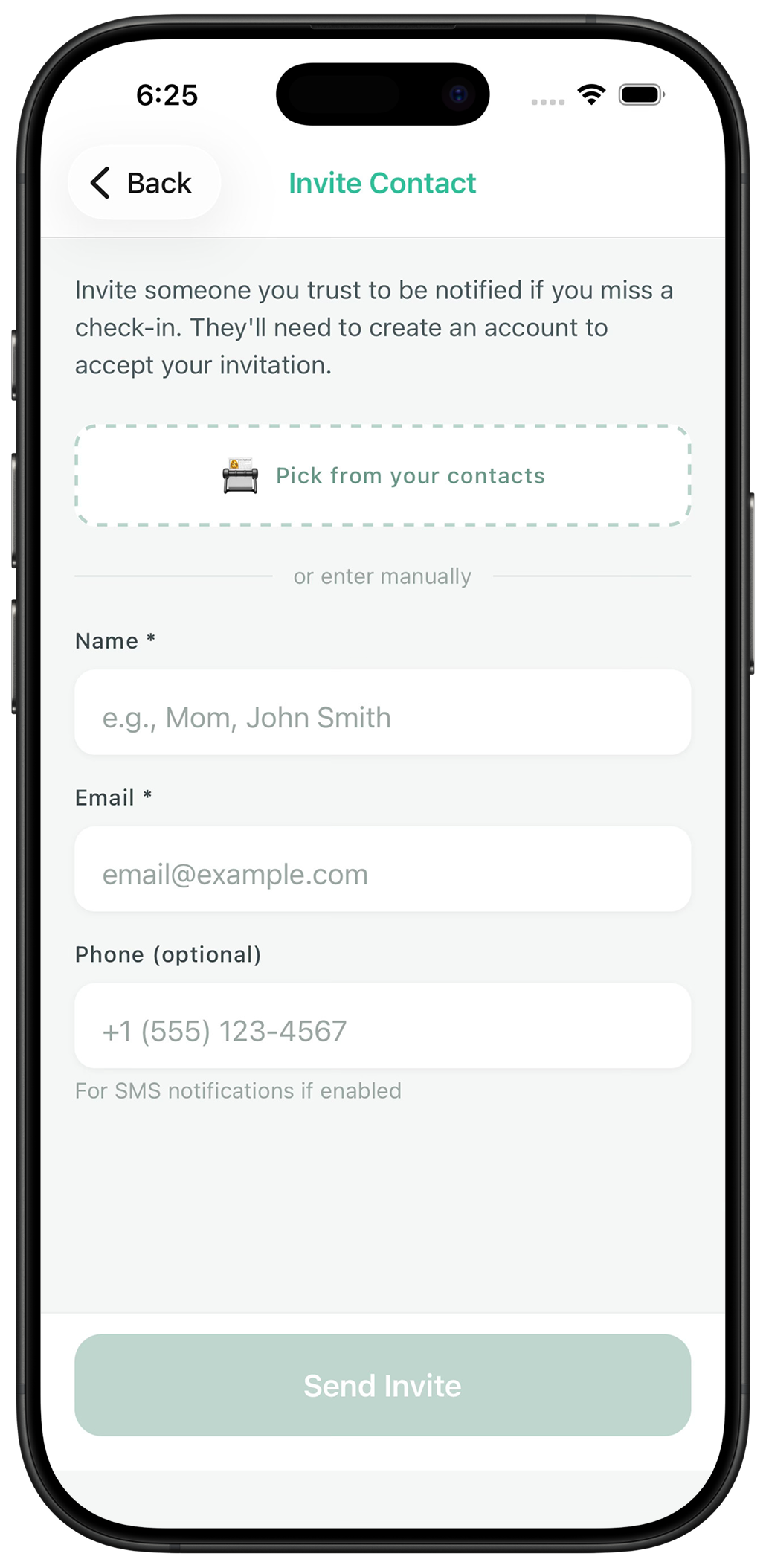
If you miss a check-in, only your trusted contacts are notified. They get the context they need to help.
Built for real life
Reasy fits into the moments when you need quiet reassurance.
Living alone
For anyone who lives by themselves and wants a simple way to let loved ones know they're okay — without daily phone calls.
Traveling solo
Backpacking, road-tripping, or just exploring a new city? Check in daily and give your family peace of mind.
Checking on parents
Stay connected with aging parents who value their independence. They check in, you get notified only if something's off.
Personal safety
An extra layer of safety for anyone who wants trusted people to know if they don't make it home as planned.
What trusted contacts receive
When you miss a check-in, your contacts get a helpful “context bundle” — everything they might need if they have to act. Not before.
Important: Location is only shared when you miss a check-in — never during normal use. Your contacts don't see your location day-to-day.
Last known locations
Recent location updates to help pinpoint where they might be.
Check-in history
A timeline of their recent check-ins for context.
Contact details
Key information they may need to take action.
Clear next steps
Guidance on what to do if authorities need to be involved.
Check in without opening the app
Add the Reasy widget to your Home Screen and check in with a single tap. No unlocking, no searching for the app.
- Under 1 second to check in
- Shows your next check-in time
- Works even when phone is locked
Frequently asked questions
Everything you need to know about Reasy.
Download Reasy
Available for iOS and Android. Free to use. Set up in under 2 minutes.
Questions? Contact us